How (and when) to use advanced queries in Logseq?
- •
What are "advanced queries"?
- •
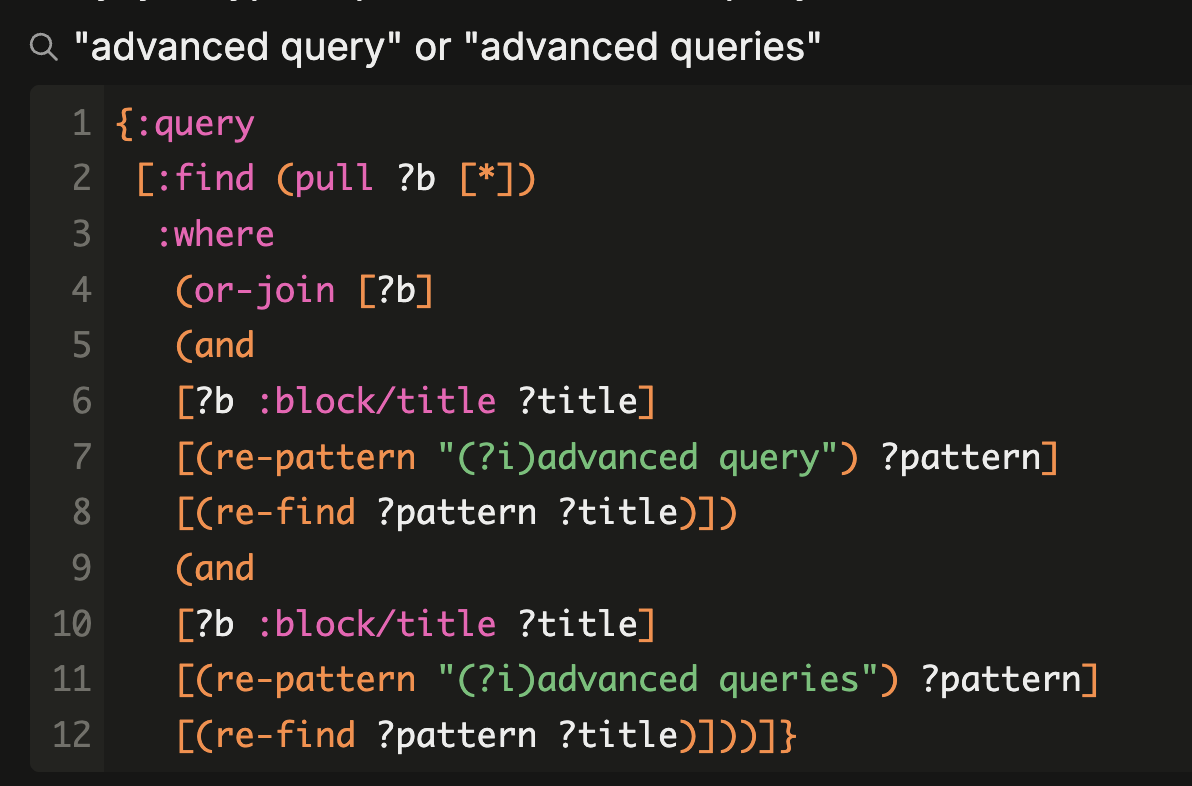
Advanced queries can be used for anything not supported by simple queries.
- •
- •
How to insert an advanced query?
- •
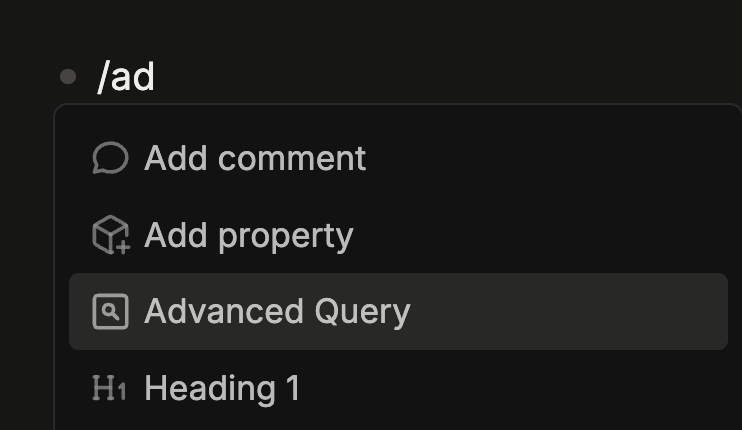
To insert an advanced query in your graph, first you need to run the advanced query slash command on an empty block to convert it to an advanced query block.
- •
Second, you hover the mouse over the gear icon to reveal the advanced query input box.
- •
- •
Optionally, you can edit the query title by typing above the box.
- •
You can also hide the query box after it has been edited, and open it again later by hovering over the gear icon.
- •
- •
Understanding the advanced query syntax
- •
Here is the link to the official documentation on the query syntax.
- •
- •
Tools to help you build advanced queries
- •
To help you build advanced queries you can use Luhmann's stand-alone Logseq DB Query Builder or danzu's Logseq Query Builder plugin.
- •