How Logseq Sync keeps your notes private
- •
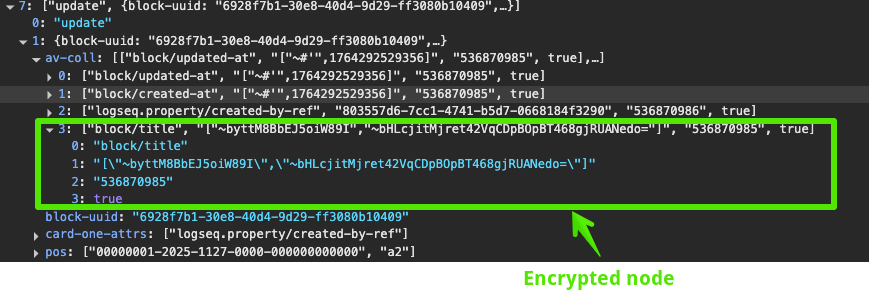
Logseq scrambles your notes on your own device before they're sent. The Logseq Sync Server only ever stores the scrambled version. Your other devices unscramble the notes when they arrive. This is called end-to-end encryption.
- •
- •
Signing in tells the server which locked keys to send you. Your password unlocks them on your device. The password never leaves your devices, and after the first time it's kept in your system keychain.
- •
Working together: no password sharing
- •
When you invite someone, Logseq locks a copy of the graph key with their public key. They open it with their own password. Nobody ever learns anyone else's password.
- •
- •
- •
Good to know
- •
Encryption is set per graph when you turn on sync. It's on by default and can't be changed later.
- •
The copy on your own device isn't encrypted, so lock your computer and phone.
- •
If you forget your password, Logseq can't recover it. Your local notes are fine, but a force reset makes the copy on the server unreadable, and you'll need to upload your graphs again. Keep your password in a password manager.
- •
- •
Under the hood: AES-256-GCM for your notes, RSA-4096 for your personal keys, and PBKDF2 (600,000 rounds) for your password.